How to make a private group chat without sharing phone numbers
Group chats often expose everyone's phone number to everyone else. Here is how to run a private group for friends, family or a class without that.
DiffWeb TeamPrivacy and safety
In most group chat apps, joining a group means everyone in it can see your phone number. In a class group, a hobby group or a group of friends of friends, that is a lot of people with your number.
There is another way to do it.
What to look for in a private group
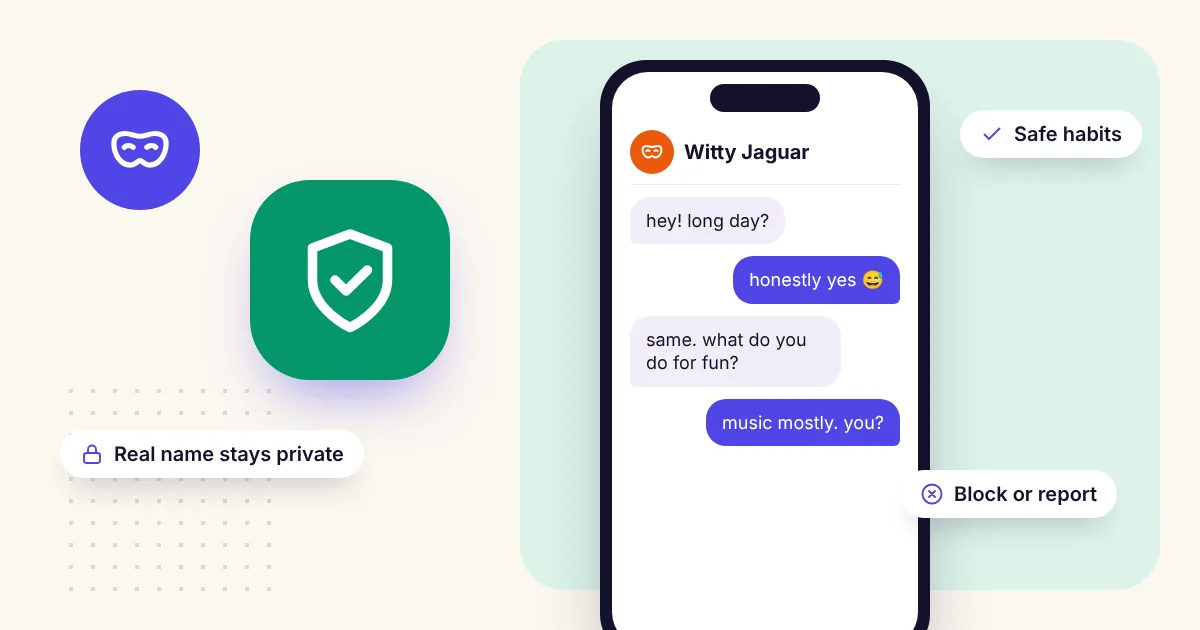
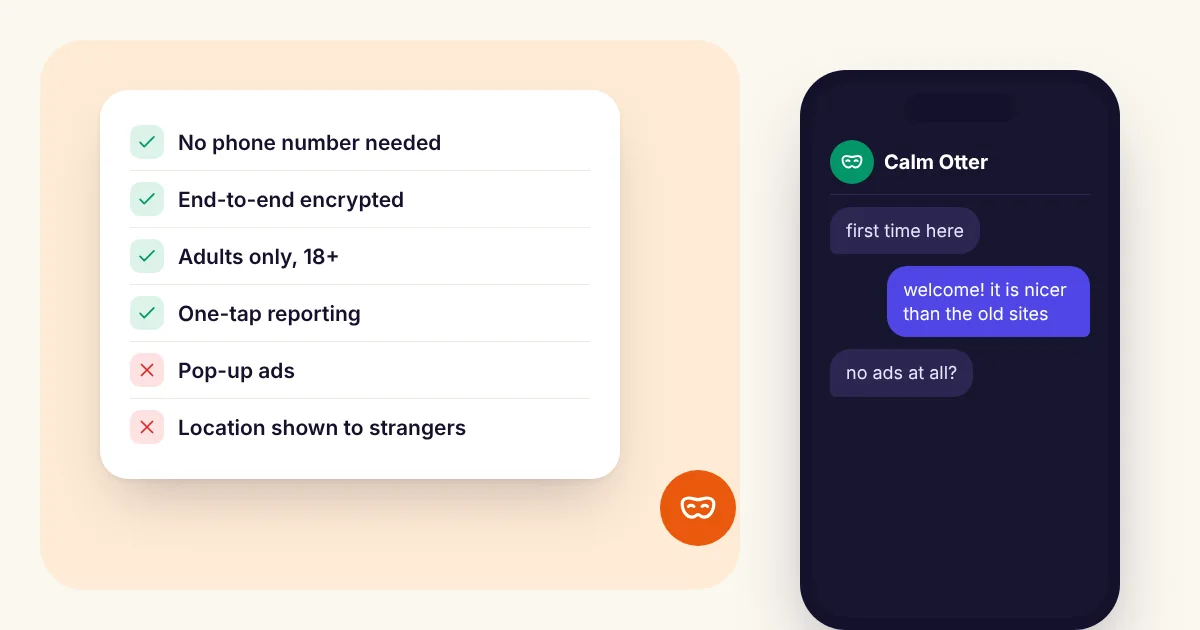
- No phone numbers or real names shown to other members.
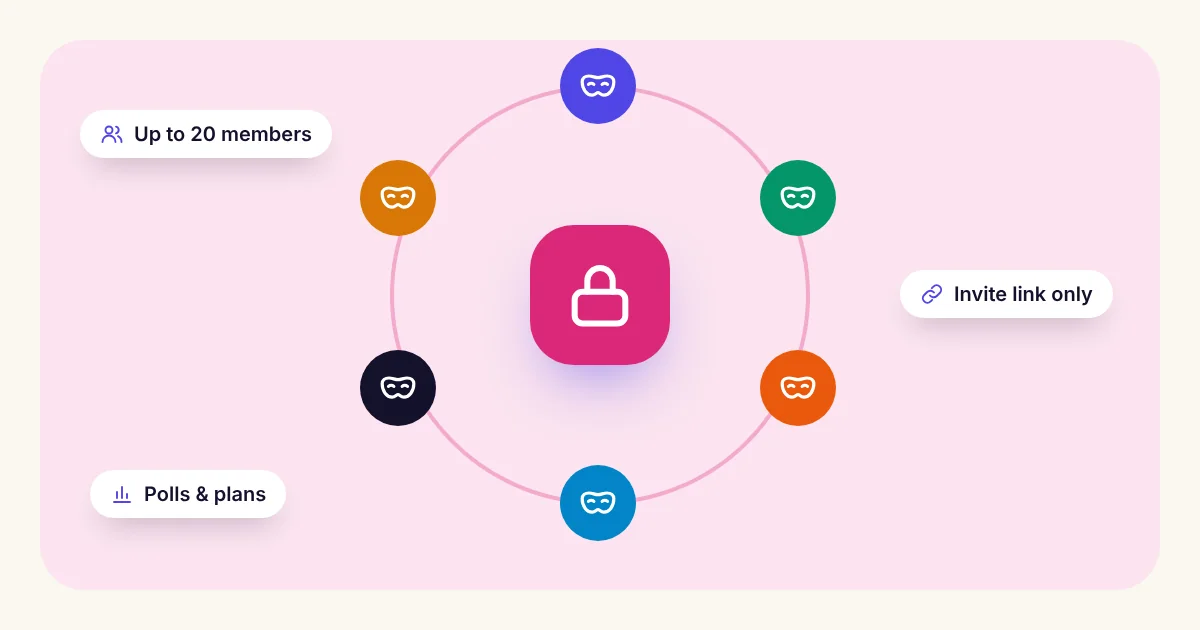
- Invite only: people join through a private link, not by being found in a search.
- End-to-end encryption, so only members can read what is posted.
- Control over who is in it: removing someone should take one tap.
Option 1: a small group chat
For up to 5 people, a Saved Room works like a normal group chat. Everyone signs up with just a username, and messages stay until you delete them.
For a one-off conversation, a temporary room needs no accounts at all and deletes itself when time runs out.
Option 2: a private circle for a bigger group
A Private Circle is a private feed for up to 20 people, such as close friends, family or classmates. Members can:
- post photos and updates, and comment,
- vote in polls and plan meetups,
- post anonymously, so members see "Anonymous member" instead of a name, even the owner,
- seal a time capsule post that only opens on a date you choose.
Everything posted is end-to-end encrypted, and there are no public profiles or followers.
How to set it up
- Create a free account with just a username and a password.
- Create a room or a circle and give it a name.
- Share its private invite link with the people you want, and nobody else.
- Remove anyone at any time, or replace the invite link if it was shared too widely.
A tip for groups
Agree on a few simple rules early: no screenshots of other people's posts outside the group, and no adding people without asking. Privacy in a group depends on everyone in it.