How to send a secret message that disappears
Need to share something private without it sitting in a chat history forever? Here is how self-destructing chats work, and what they can and cannot protect.
DiffWeb TeamPrivacy and safety
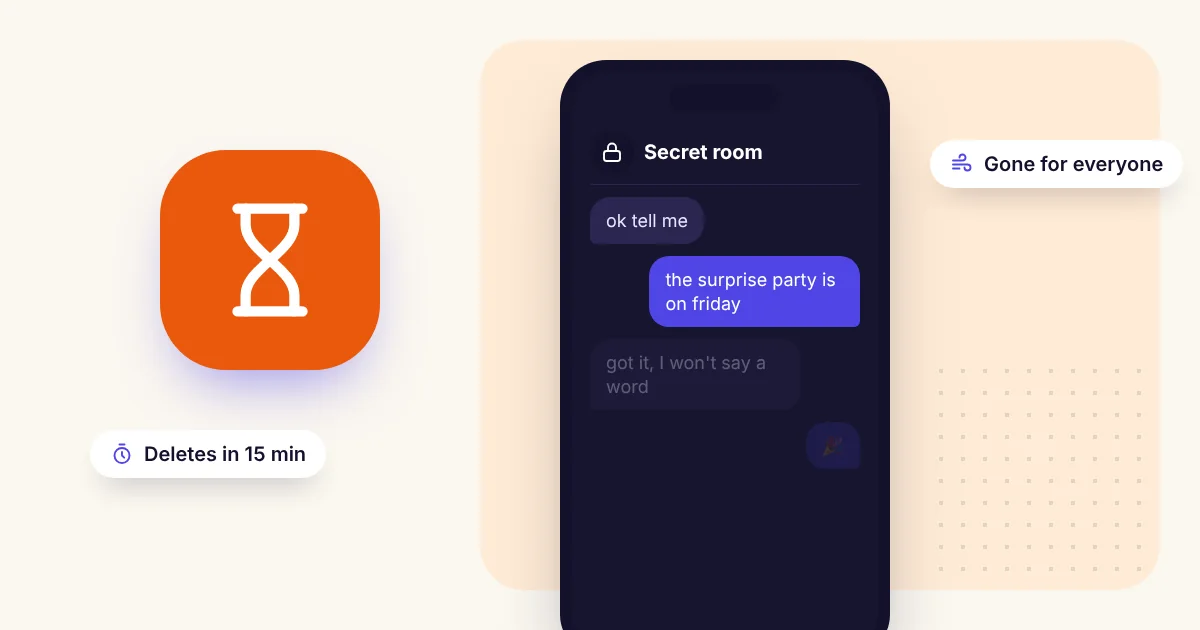
Sometimes you need to say something once and not have it sit in a chat history for years: a private worry, a surprise plan, a sensitive detail you need to pass on.
Disappearing chats are made for this. Here is how to use them well.
Why chat history is a risk
Every message you keep is a message that can be found later, if a phone is lost, an account is broken into, or someone scrolls back through an old chat. The less you keep, the less can leak.
How to send a message that vanishes on DiffWeb
- Open Temporary Rooms and give your room any name.
- Choose how long it lasts: 15 minutes, 1 hour, 6 hours or 24 hours.
- Share the invite link with the person you want to talk to. You can add a password, or approve each person before they can join.
- Talk. Messages, photos and files are end-to-end encrypted.
- End the room when you are done, or let the timer run out. Access is gone for everyone, on every device.
There is no sign-up and no phone number, so the conversation is not tied to your identity either.
Send the link the safe way
The invite link contains the room's key, so treat it like a key. Send it only to the person you mean to talk to. If you think it went to the wrong place, you can replace the link from inside the room.
What a disappearing chat cannot protect
Be honest with yourself about the limits:
- The other person can still take a screenshot or a photo of the screen.
- If someone is looking over your shoulder, encryption does not help.
- Anything you say can be remembered and repeated.
So choose who you trust, and keep the most sensitive things for people who have earned it.