How to chat online without giving out your phone number
Your phone number links to your real name, your bank and your social accounts. Here is why you should keep it private, and how to chat without it.
DiffWeb TeamPrivacy and safety
Most messaging apps start by asking for your phone number. It feels normal, but your number is one of the most revealing things you can give a stranger.
Why your phone number is so personal
- It is often linked to your real name, through your mobile provider and contacts apps.
- It can be used to find your social accounts, since many apps let people search by number.
- It is used for bank and account security codes, which makes it a target for SIM swap scams.
- It is hard to change. You can leave a chat app in a minute, but changing your number is a hassle.
Once a stranger has your number, you cannot take it back.
When it is fine to share it
With people you already know and trust in real life, sharing your number is normal. The problem is sharing it early with people you met online, or with apps that do not need it.
How to chat without it
You have a few options:
- No account at all: a temporary room on DiffWeb needs no sign-up. Create it, share the link, chat, and it deletes itself.
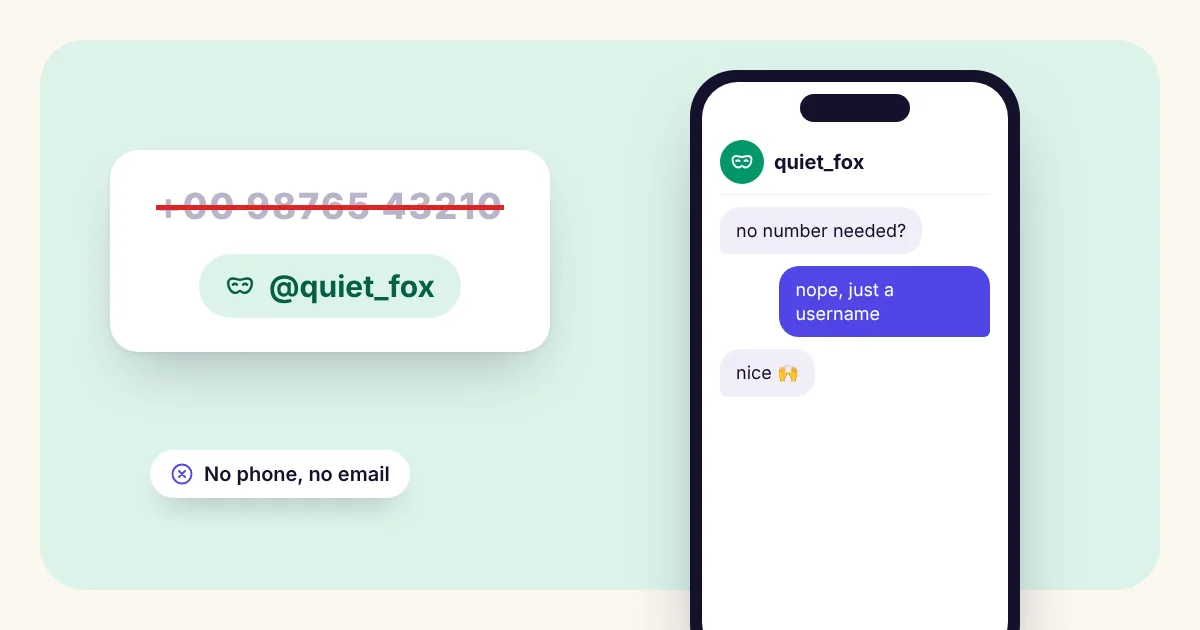
- A username instead of a number: Saved Rooms work with just a username and a password. No email, no phone. You get a recovery code instead, so keep it safe.
- Meeting new people: Anonymous Chat shows the other person only the chat name you choose, never your username or contact details.
Watch for people asking too early
If someone you just met keeps asking for your number "so we can talk properly", slow down. It is one of the most common first steps in scams. A person who is genuinely nice will understand if you want to keep chatting where you are for now.