How to stay anonymous online: a practical checklist
You do not need to be a tech expert to protect your identity online. This checklist covers usernames, photos, links, apps and habits that keep you anonymous.
DiffWeb TeamPrivacy and safety
Being anonymous online is less about special software and more about small habits. Here is a checklist you can actually follow.
Your names
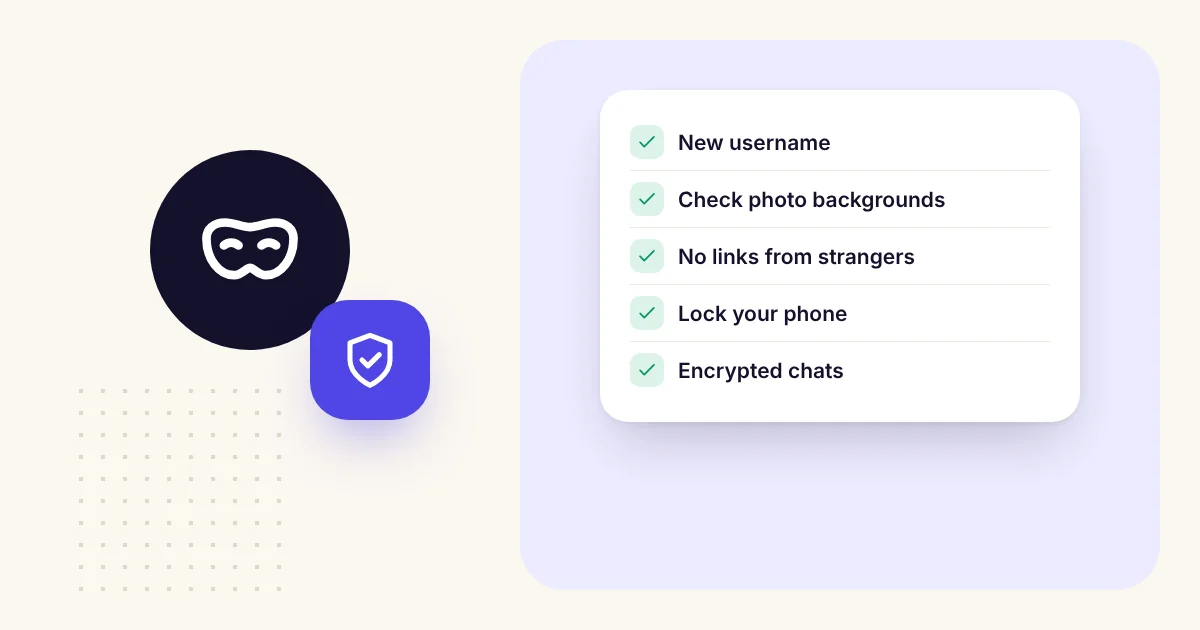
- Use a different username for anonymous chats than anywhere else.
- Do not reuse your Instagram, gaming or email name.
- Never put your birth year or city in a username.
What you share
- Keep your full name, phone number, school, workplace and address to yourself.
- Be vague about places: "a big city" instead of your neighbourhood.
- Remember that small details add up. Three harmless facts can identify you.
Photos
- Check the background: windows, street signs, uniforms, mail, reflections.
- Do not send photos of your face to people you just met.
- Prefer apps that remove hidden location data from photos. DiffWeb rebuilds photos to strip it before they are sent.
Links and apps
- Do not click links from strangers. Many are scams or trackers.
- Do not move to an app that shows your phone number until you truly trust someone.
- Choose apps that do not ask for more than they need. A chat app does not need your contacts.
Your devices
- Lock your phone with a PIN or fingerprint.
- Turn on an extra lock in apps that offer one. DiffWeb's Saved Rooms have an optional security code.
- Sign out of shared computers, or use a private browser window.
Your chats
- Use end-to-end encrypted chats. Read what that means.
- Use chats that delete themselves for sensitive conversations.
- Remember that anyone you talk to can take a screenshot.
The mindset
Anonymity protects you, but it also protects other people, so give them the same respect. Be kind, do not try to find out who someone really is, and leave any conversation that does not feel right.