No email, no phone
Sign up with a username and password. That's it. Invite friends with a link.
Saved Rooms · Anonymous
Create a room that stays. Share the invite link, friends sign up with just a username, and your chat is saved until you delete it. Anonymous and encrypted: no email or phone number needed.
No email needed. If you forget your password, your recovery code gets you back in.
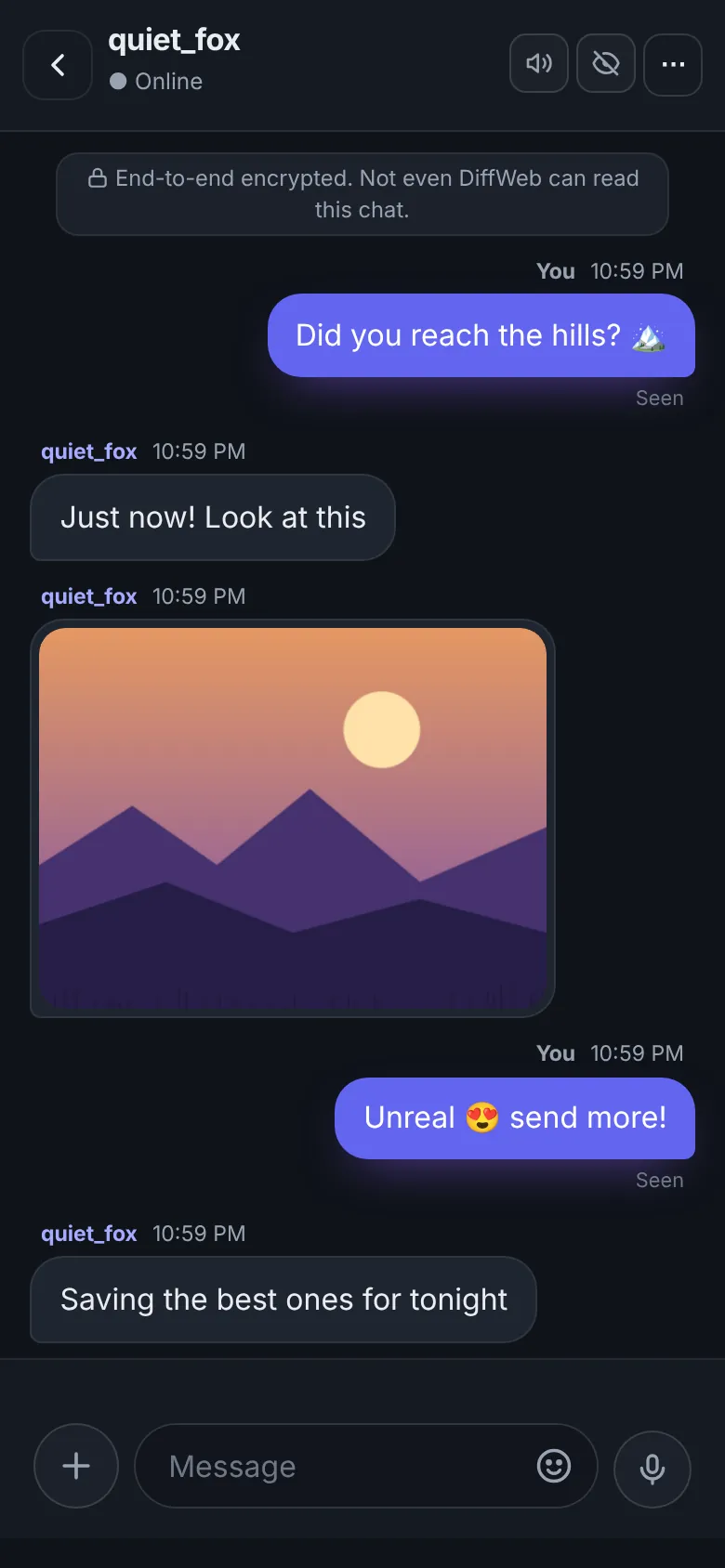
Send photos, videos, voice notes and files, end-to-end encrypted. Photos are cleaned of hidden location data before they leave your phone, and the chat stays until you delete it.
Why Saved Rooms
Sign up with a username and password. That's it. Invite friends with a link.
Your conversations are saved until you delete them. Pick up right where you left off, on any device.
Turn on a security code and we ask for it after every sign-in, before showing your chats.
Send photos, videos, documents and voice notes. Reactions, replies and unsend included.
Lock the room, replace the invite link, remove people, or delete the room for everyone.
Not using your account? It's deleted with its chats after 3 months without a sign-in.
How it works
Choose a username, a password and a recovery code you will remember.
Name it, pick up to 5 people, and share the invite link. Friends sign up to join.
Messages, photos and voice notes, saved until you delete them.
Good to know
A private chat room that belongs to your account and keeps your messages until you delete them. Use it for one-to-one chats or small groups of up to 5 people.
No. Just a username and a password. When you sign up you also get a recovery code: keep it safe, it is how you reset a forgotten password.
Share the room's invite link. They create a free account with just a username and join straight away.
Yes. Messages, photos and voice notes are encrypted on your device. Each device has its own key, and you can compare safety numbers with a friend to check that no one else is listening.
Your keys stay on your devices. Create a backup code in Settings and you can unlock your older messages on a new phone. Without it, a new device only sees new messages.
An optional security code. When it is on, DiffWeb asks for it after every sign-in, before showing your chats.
Ready?
Free. No email. End-to-end encrypted chats that stay until you say so.
Get the DiffWeb app on your iPhoneTap Share below, then Add to Home Screen. It opens like an app, with notifications and app lock.